How to Use Manual Mode on Your Phone Camera
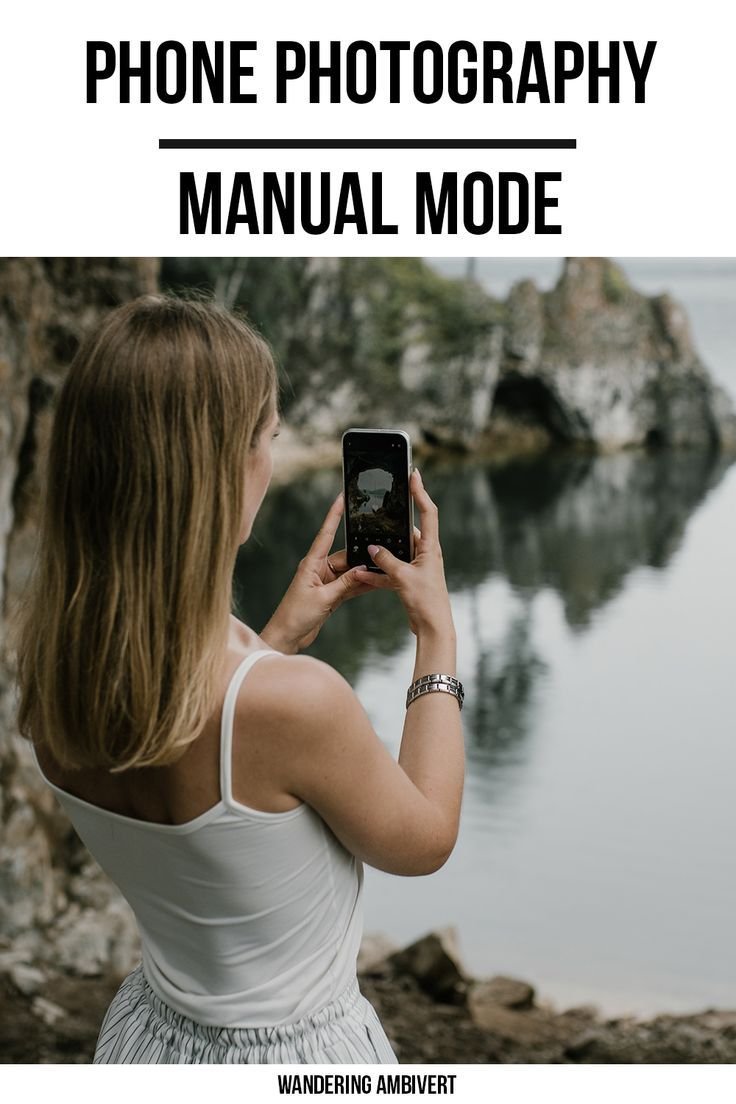
Understanding and having more control over your phone‘s camera can be very beneficial as it will help you to take better photos.
Here are a few tips that might help you understand manual/pro mode on your phone.
I’ll be using a Samsung/Android device as an example.
<img class="aligncenter wp-image-2865" src="https://wanderingambivert.com/wp-content/uploads/2020/07/screenshot_20200723-182943_camera-e1595592573606.jpg” alt=”Screenshot_20200723-182943_Camera” width=”267″ height=”516″>
Shutter speed / Exposure compensation
<img class=" wp-image-2866 aligncenter" src="https://wanderingambivert.com/wp-content/uploads/2020/07/exposure-comp-e1595592692460.jpg” alt=”exposure comp” width=”378″ height=”209″>
Shutter speed and exposure compensation (potayto, potahto) determine how dark or bright your photo is.
Start by setting the exposure as low as possible, this can make your photo look very dark, depending on the lighting conditions.
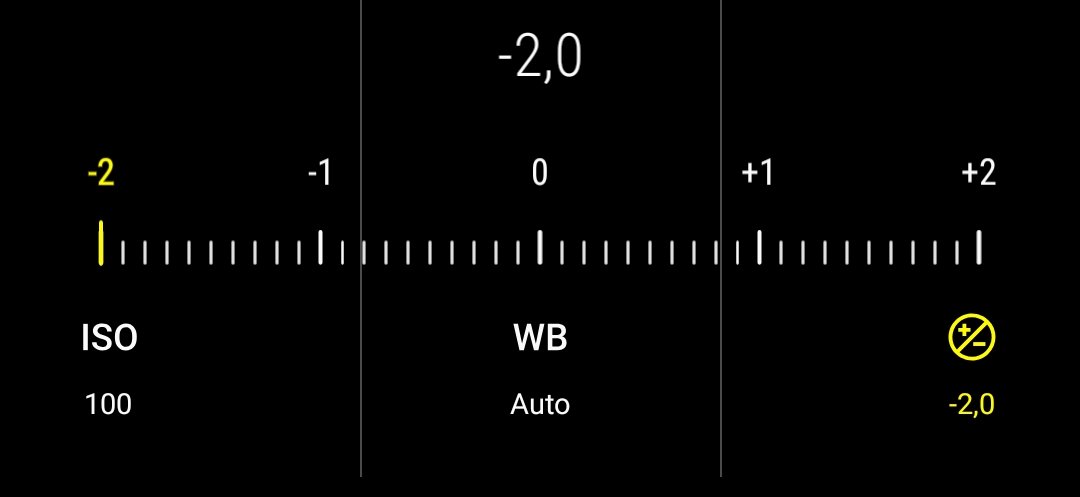
Then begin increasing it, this will start to brighten up your image. Keep increasing it until what you want to capture is exposed properly.
I’d suggest underexposing your image just a tiny bit (your photo is a little bit darker than it should be), that way the image will be sharper and you will get more detail. You can increase the exposure again when you edit the photo.
You may ask, ‘If I’m going to increase the exposure again afterwards, why not just leave it the way it was?”
The reason being – the image will be sharper, because your exposure was low (low exposure means a fast shutter speed – faster shutter speed means a sharper image and more detail).
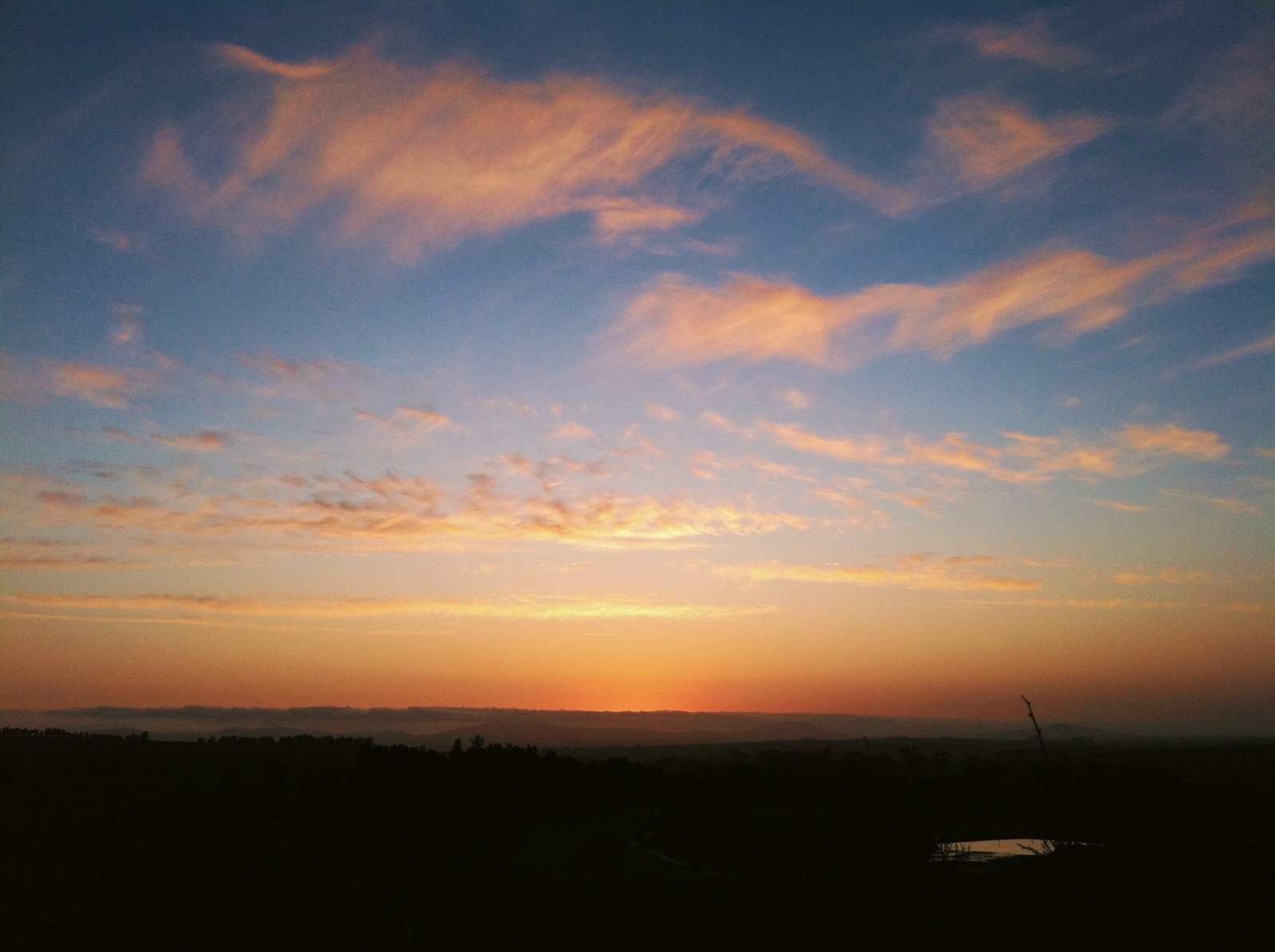
A lower exposure is particularly important when it comes to taking photos of sunsets and sunrises, because it’s very easy to get grain. We’ll get to that in a second.
When taking photos of a sunset or sunrise, you want to capture as much detail of the sky as possible. If the exposure is too high, which it usually is, the sky looks too bright and there is almost no color or detail at all. This can easily be fixed by lowering the exposure just a tiny bit.
Every sunset and sunrise is different, you’ll have to play with the exposure yourself to find the sweet spot for the photo you want to take.
ISO
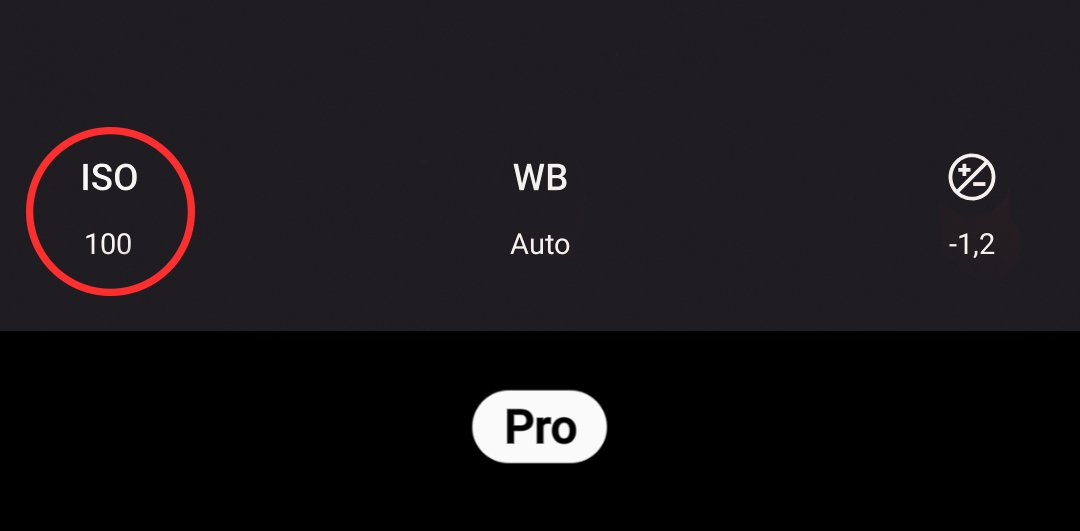
The ISO is how sensitive the camera sensor is to capture light.
Number one rule for ISO. Always try to keep it as low as possible, otherwise you will get grain.
Grain is that weird pixelated mush in your photos that makes it look bad and not sharp. Grain happens when your ISO is too high, this is also usually the case with phones when you shoot in automatic mode.

Start by making the ISO as low as possible, which is usually either 50 or 100. Then adjust your exposure accordingly.
The Exposure-compensation/shutter speed and the ISO needs to be in balance.
If you’ve increased your exposure but it’s still too dark, increase your ISO a tiny bit, then adjust your exposure again.
You always want your exposure and ISO to be as low as possible to ensure your photo is sharp and has as much detail as possible.
White Balance
Where magic can happen.
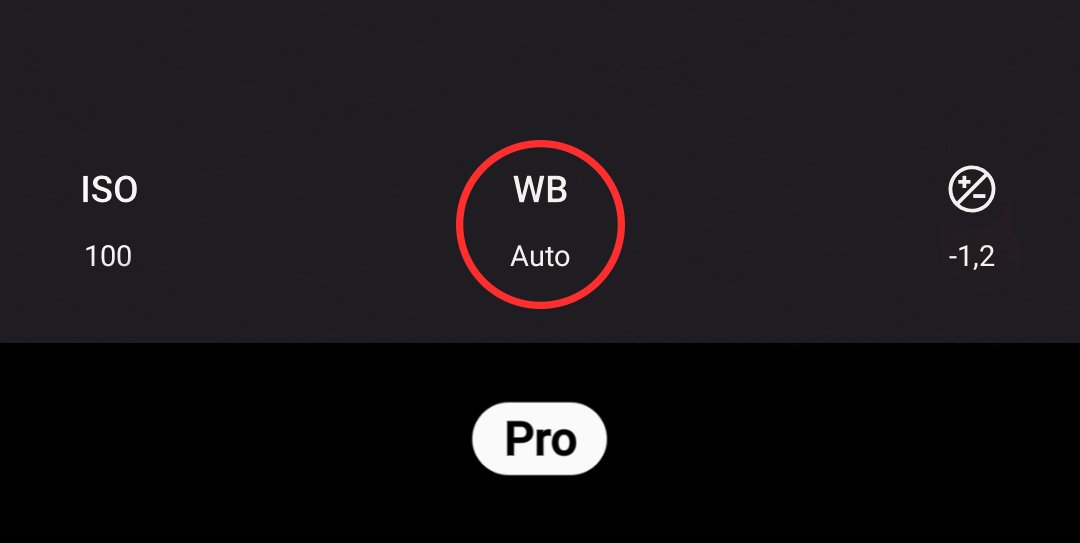
Your phone is always trying to balance out the colors.
For example, when you want to take a picture of a beautiful sunset and the sky is on fire, your phone says, “No, the sky is too orange, it shouldn’t be that way. I’m going to add some blue to balance the color.” And when you look at your photo, you’re probably disappointed. That’s the white balance doing its own thing.
When taking a picture of a sunset, play around with the white balance. I’d suggest making the image warmer by applying more orange or red, although using a little bit of purple can also look very beautiful.
With a sunrise I’d suggest aiming more for a cooler color, specifically purple in this case. I find that it usually works best. Not too much though. Just a tiny bit.
Have fun playing around with your newly found knowledge.
Confused by some photography terminology? Here’s a list of photography jargon.
If you found this helpful, here are 5 photography tips for beginners.
Learn about developing your eye for detail.
Thinking about which camera you should buy to begin photography?
Categories
Awesome explanation! Pro mode is a hidden but awesome feature!
Thanks for sharing. These tips are very useful to me and also to the others who love to capture things.
It’s my pleasure. I’m glad you found it useful 🙂 Have fun giving them a try!
Of course! I’ll try them.
Please let me know how it goes! I’m interested to hear how you experience it. If you have any questions, please don’t hesitate to ask 🙂
Thanks for your kind reply. I’m working more hard on my photography skills after visiting your site and don’t worry, if I have any difficulty then I will come to your website first.
It’s my pleasure 🙂 Have fun!
Thanks for sharing! These tips are really helpful for me and also for the others who love to capture things.
It’s my pleasure! I’m glad you found them helpful. Have fun taking photos 🙂
When it comes to photography, mobile is my go-to-gadget. So, it’s been quite helpful!
And that’s all you need! I’m glad it was helpful! 🙂
Really good tips. Thanks
I’m glad you found them useful! It’s my pleasure 🙂
Interesting tips, I’ll have try these!
Please let me know how it goes! If you have any questions, please don’t hesitate to ask. I’ll answer them the best I can 🙂
And most importantly, have fun! 🙂
nice
Thank you 🙂