How to Take Better Photos With Your Phone: 5 Tips for Beginners
We might be talking about phone photography but it’s still photography. Give your phone the same respect you would give a normal DSLR camera.
1 – Get closer
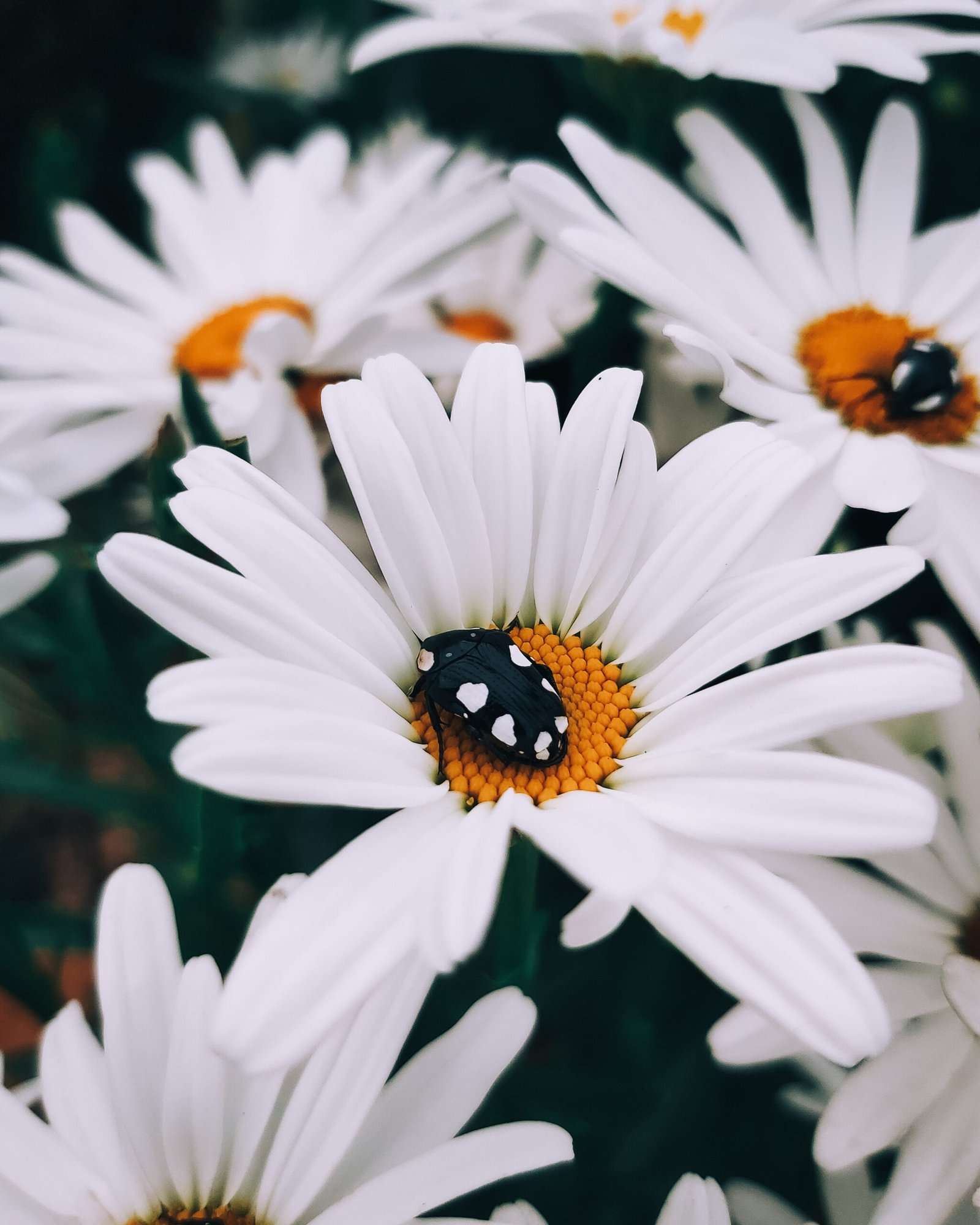
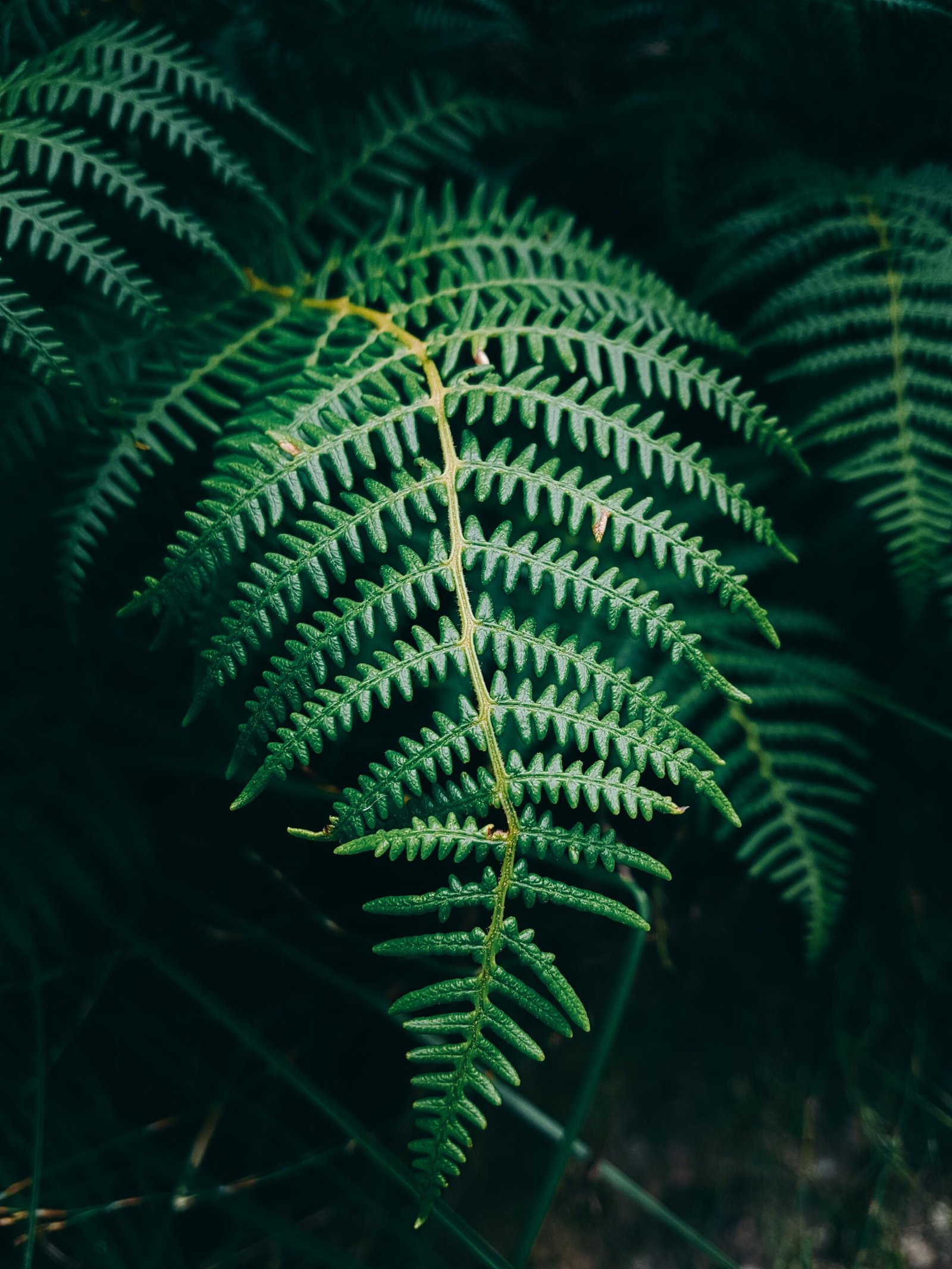
Get as close as you can. You might be surprised by your phone’s macro capabilities.
2 – Lower the exposure
When you’re taking photos with your phone it will usually be over-exposed. Lower the exposure just a little bit. It can make for a much better image.
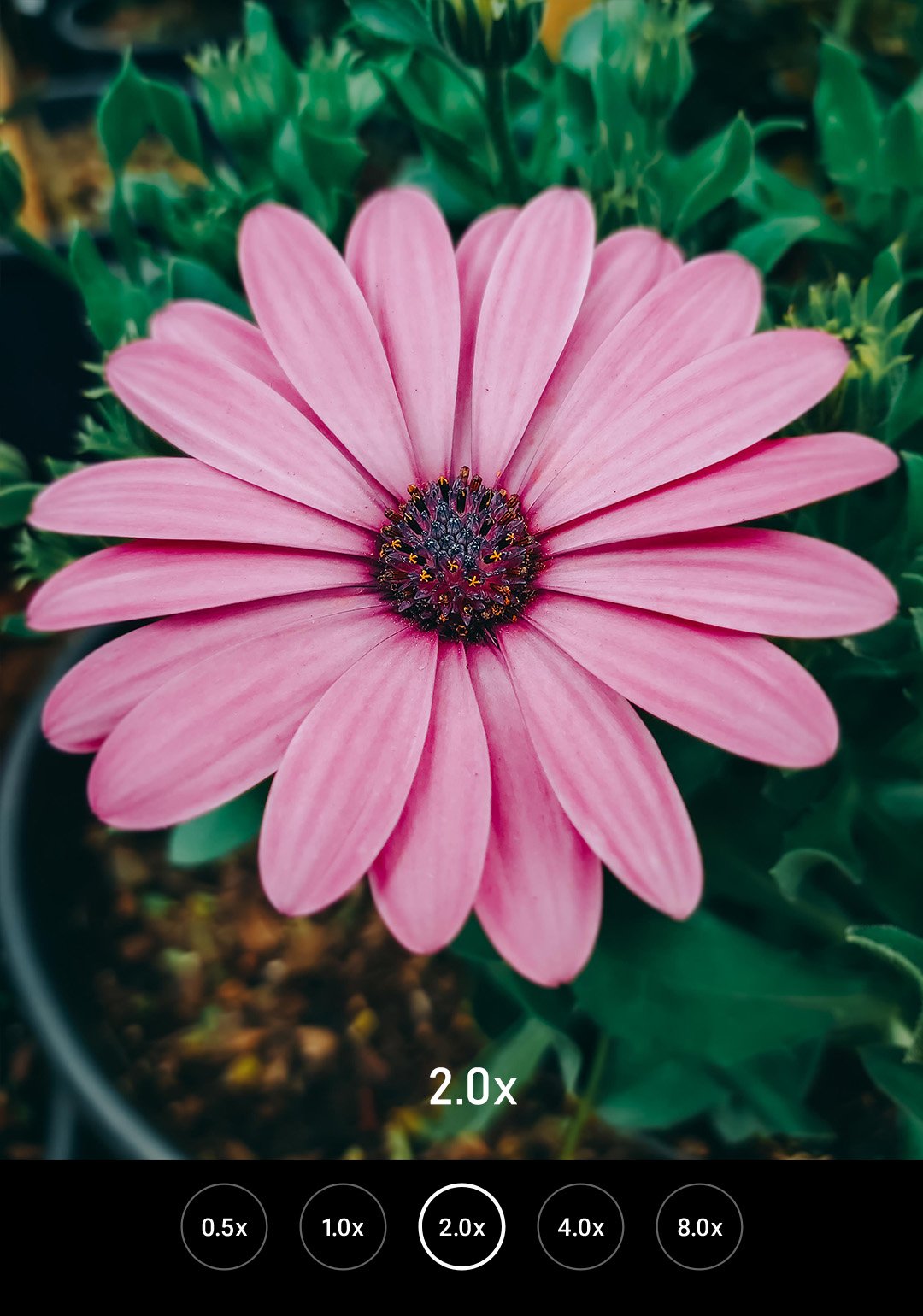
3 – Zoom in. Slightly
Zooming in just a little bit can help to flatten the photo by fixing some of the distortion of the lens. I find zooming in between 1.5x or 2x to work best.
4 – Use HDR wisely
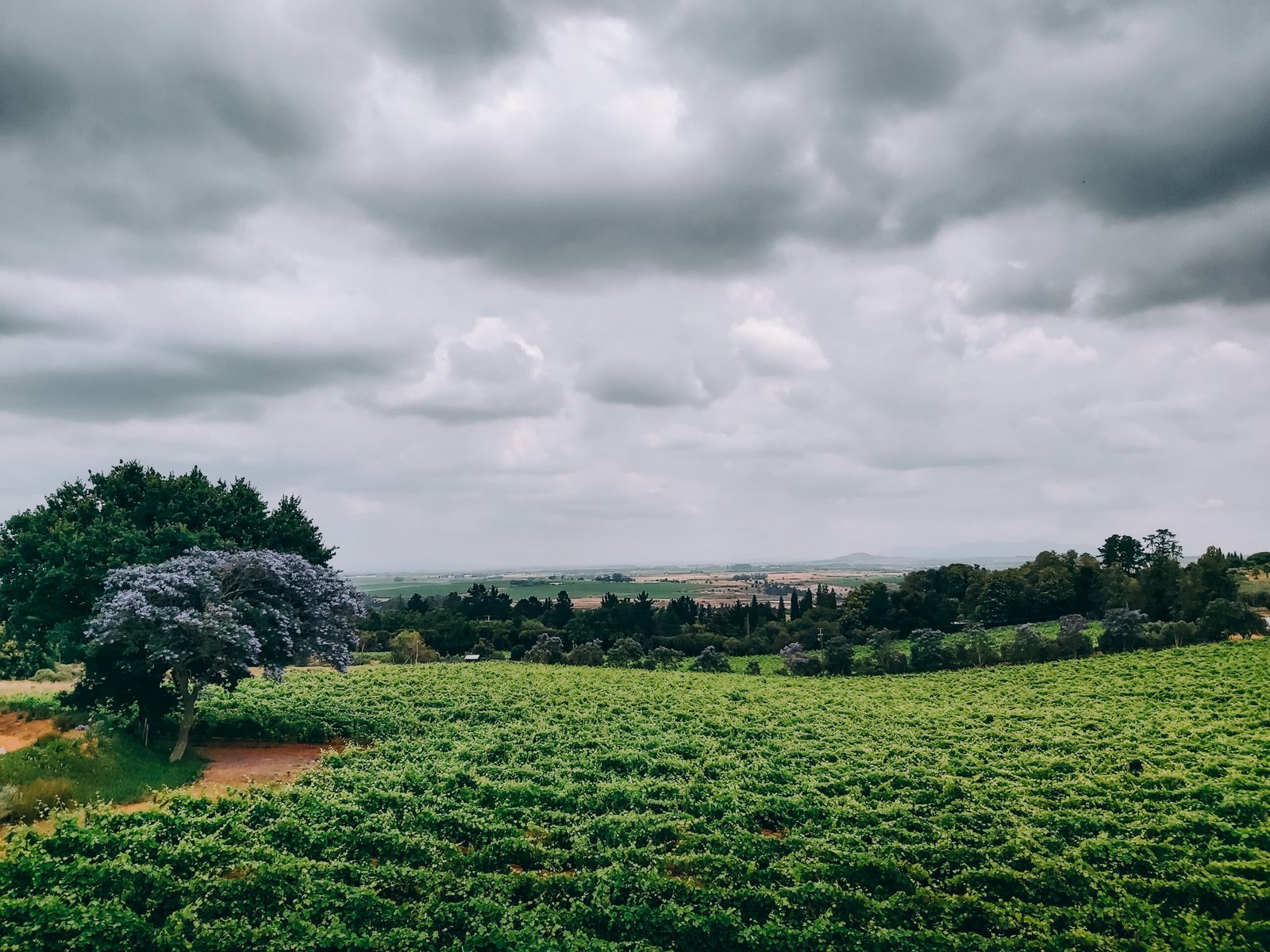
HDR can be beneficial when you want to capture an entire landscape with all its detail. It can also make a great dramatic photo, such as the one below.
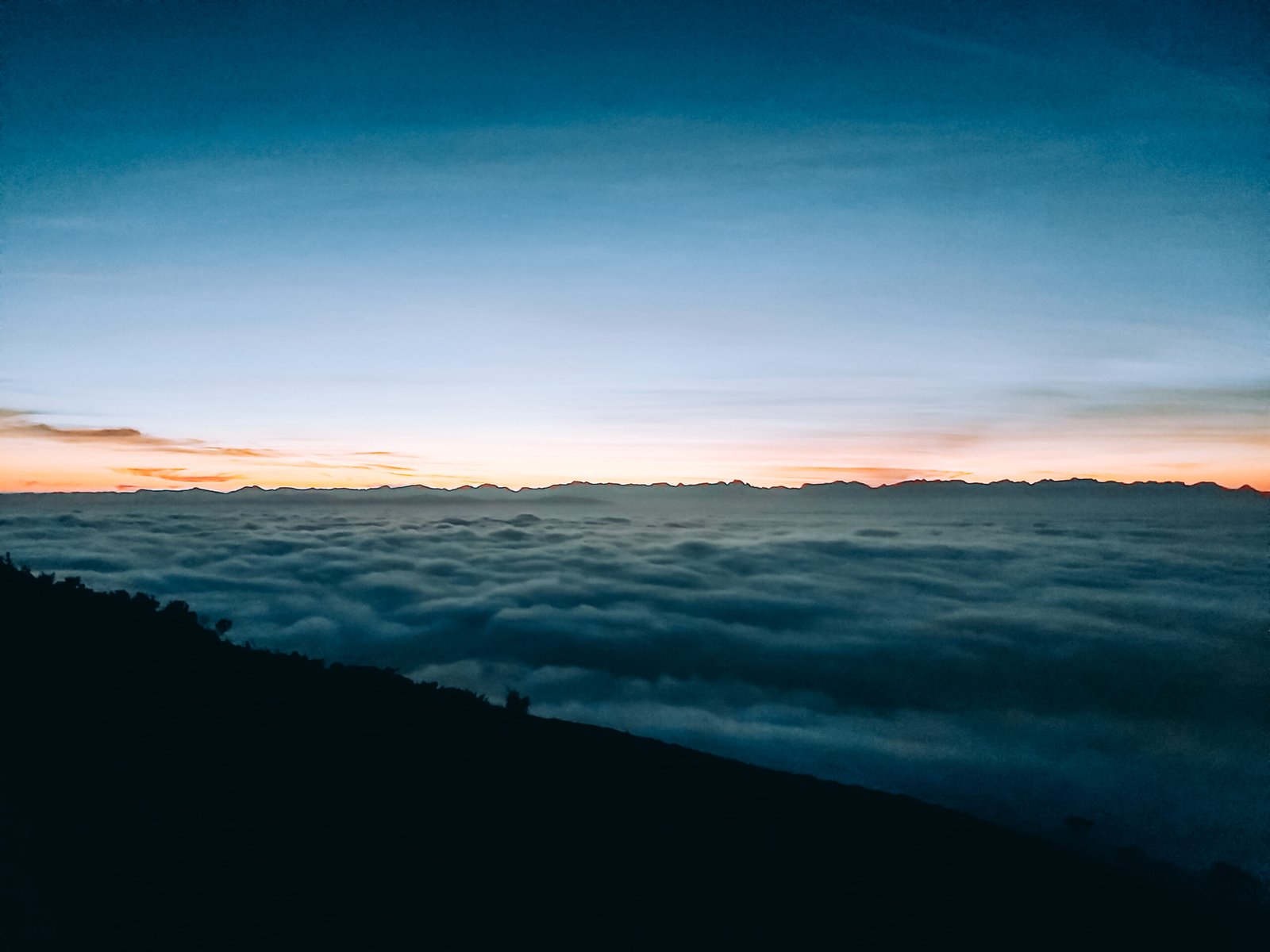
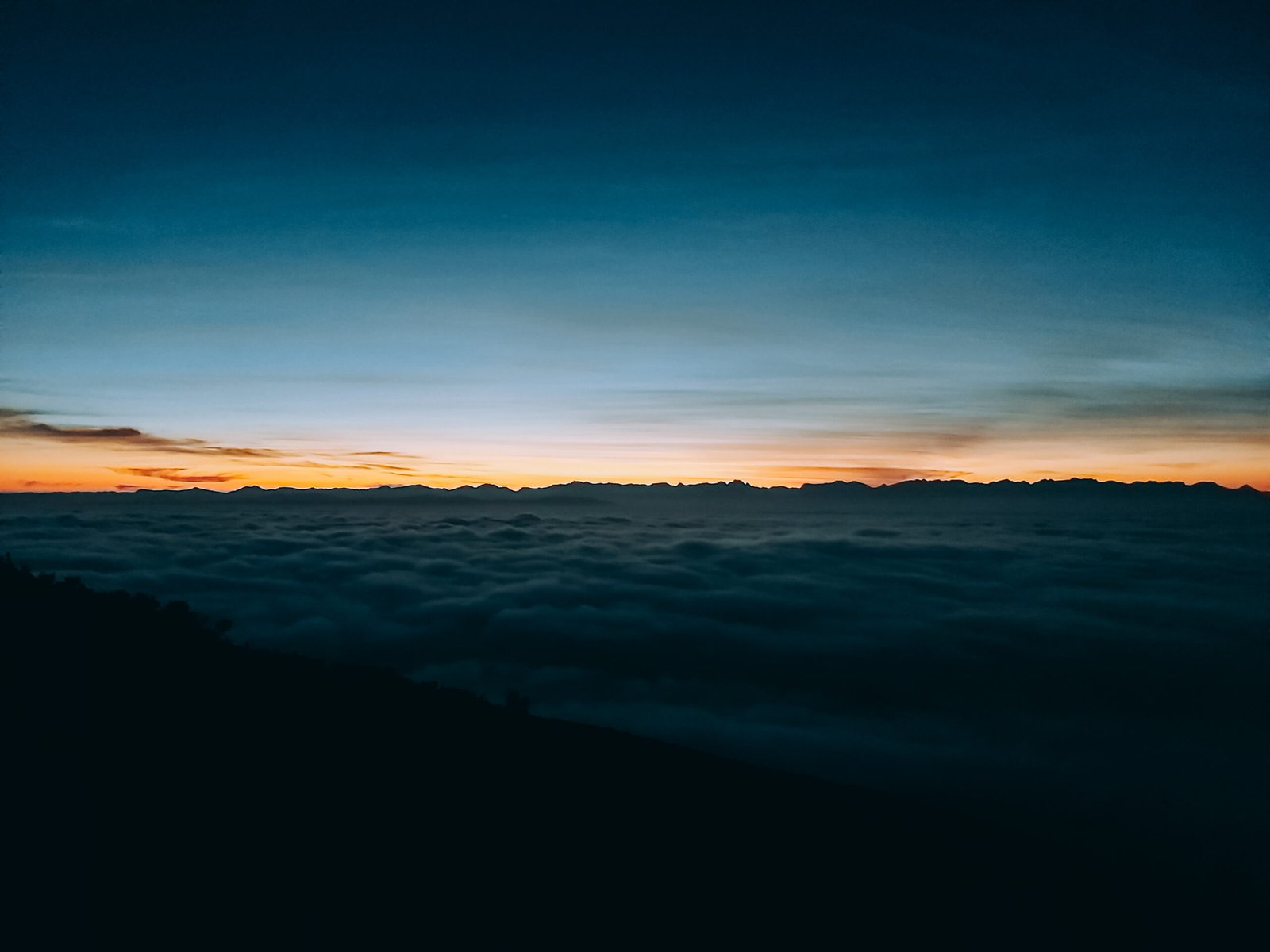
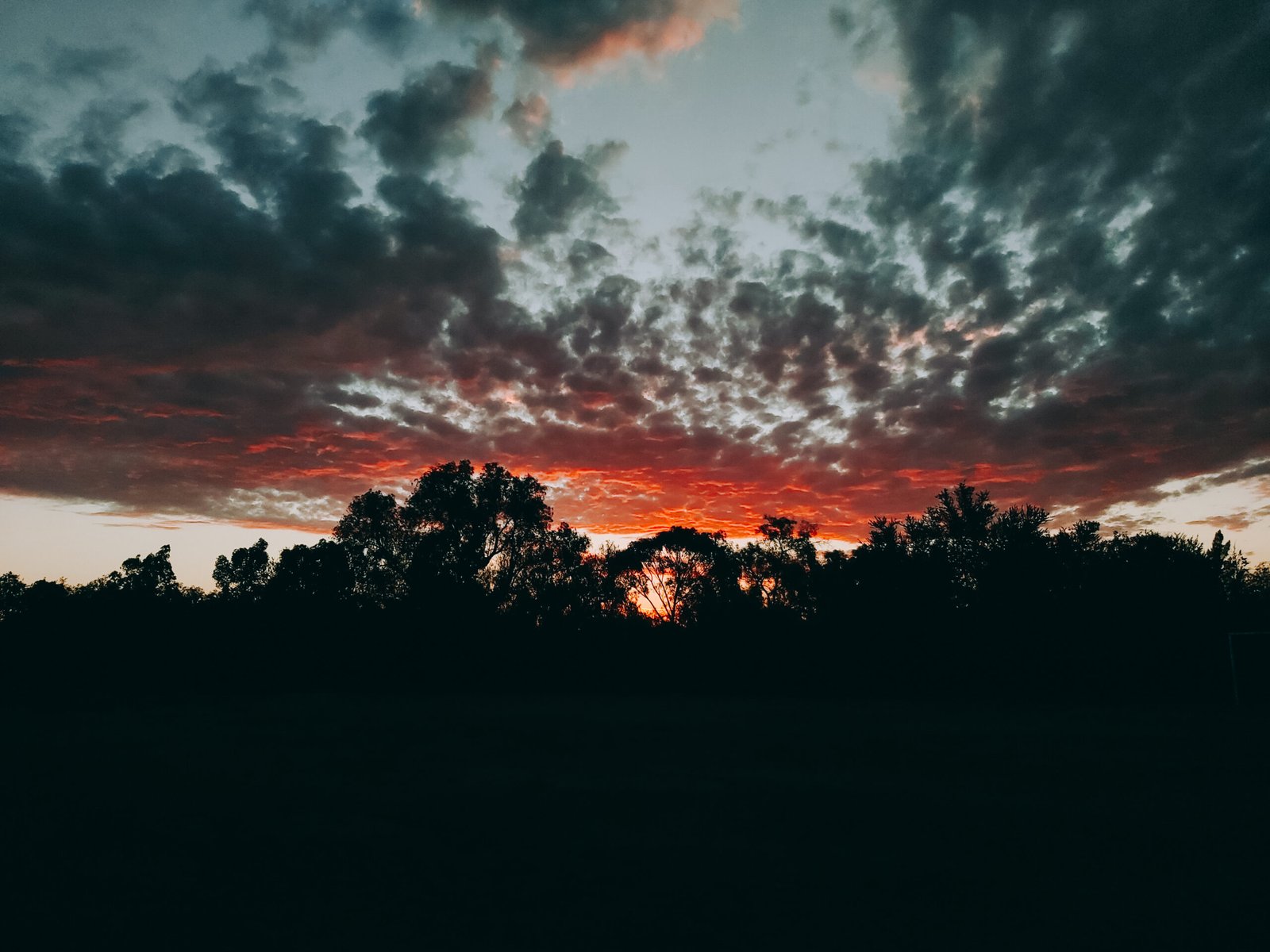
There will be times when you don’t want to use HDR. Such as when capturing a sunset or sunrise. With the photo below I wanted to focus mainly on the clouds and the color of the sky. The foreground was just a boring empty field and wouldn’t have added anything to the photo. So instead of using HDR mode, I used normal mode, lowered the exposure quite a bit in order to get the full color of the sky, and as a bonus the trees made for a great silhouette.
5 – Auto vs Manual Mode
The advantage of using manual mode is being able to control the camera settings yourself.
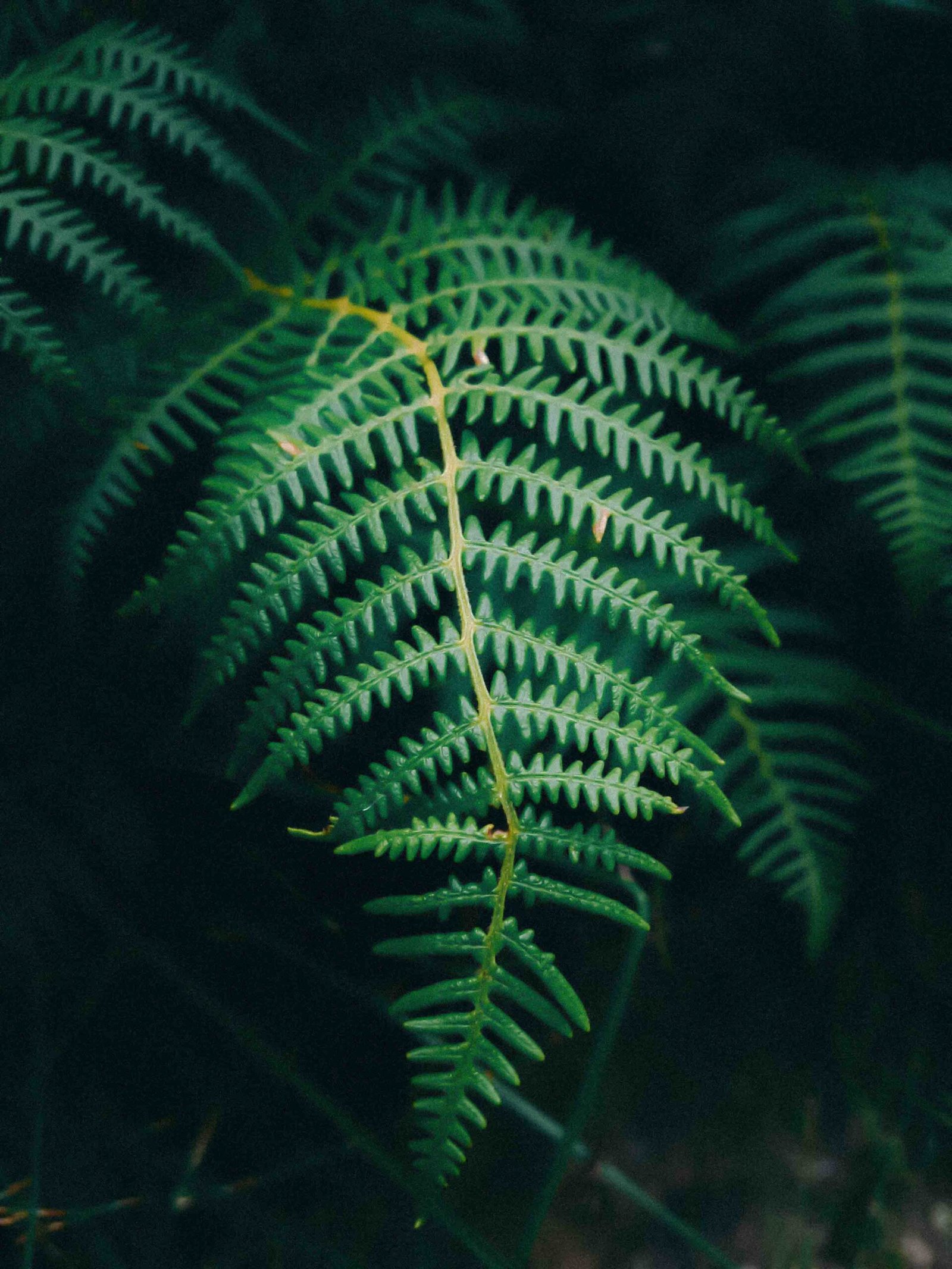
Using the images below as an example. The photo on the left was taken with auto mode. As you can see the image is soft and not as sharp compared to the one on the right. This is because of the high ISO. Because there wasn’t much natural light, the phone increased the ISO to make the sensor more sensitive to light and increased the shutter speed to get the sharpest photo possible. But the photo isn’t sharp because of the high ISO.
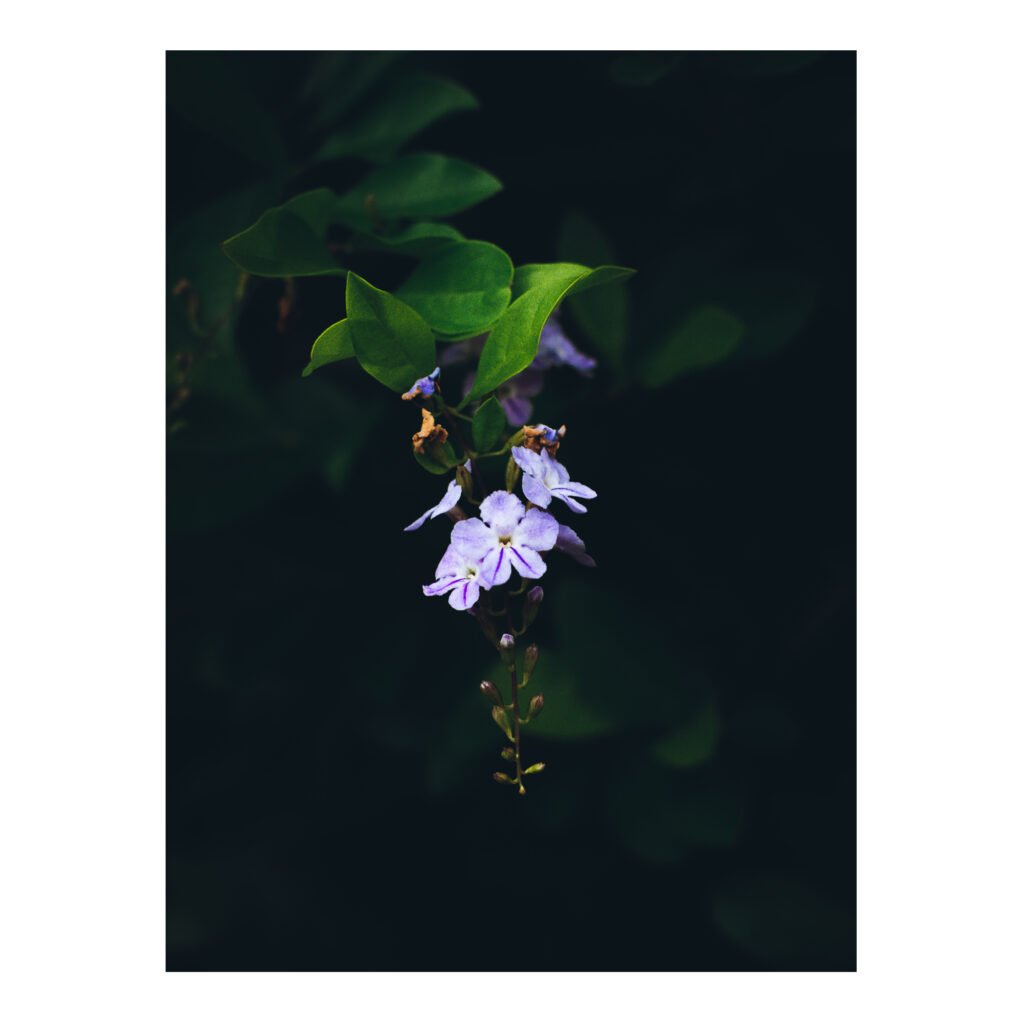
The photo on the right was taken in manual mode. I decreased the ISO to the lowest setting, then slowly decreased my shutter speed until the vine was exposed correctly.
If you found this helpful, here are 10 more phone photography tips.
Learn about using manual mode for phone photography.
Want to learn how to edit your photos with your phone?
Confused by some photography terminology? Here’s a list of photography jargon.
Categories
I will definitely try these tips with my phone…thanks
Good luck and have fun! 🙂
Very helpful!
Great tips!
Interesting reading and very helpful
Brilliant tips. thanks
Thank you. Much needed.
Great tops 👍
Great reminders! I gave up my big DSLR camera and started doing only iPhone photography a couple of years ago. It’s both convenient and challenging. As you said, “it’s still photography”
Challenging is definitely a good thing. I think it gives you the opportunity to become an even better photographer 🙂
Wow. Double wow. It’s brilliant. I am highly impressed with your tips for phone photography as well as the pics. Awesome👏👏.
Very accessible tips, thank you!!! I want all the pics! 😜🤪
Thanks
This was so helpful. Thank you🙂
Sandra Pilmoor
________________________________
I’m so glad to hear that!
🙂
You’re a legit photographer! Thank you for the tops
Thank you, Hannes! Great tips! Stay safe this season!
It’s such a pleasure, Karla! Thank you, you too! 🙂
😊
Well, I enjoyed reading this. I take photos, but never fiddle with the settings so much. Looks like you use a Samsung, are these tips true for iPhone too. LOVE your photos.
Yes they are 🙂
Great , will try these tips
Good luck and have fun! 🙂
These practical tips are a great resource for those of us who are not experts in photography, but take a lot of photos in the pursuit of our hobbies. Thanks for the posts.
I’m so glad you found them helpful. Have fun!
Thanks! Practical and helpful!
It’s my pleasure!
I got my first iphone last May or so, and have taken precisely six photos with it: four for a customer who needed some documentation of a project. I’m not exactly a Luddite, but I think I probably fit into the ‘slow adopter’ category. I enjoyed this, and I’ve been poking around in your archives. There’s a lot of good advice here.
I hope you’re able to learn a thing or two about photography 🙂
Thanks for these. Been trying to improve my photography
Good luck and have fun!
Thank you for the helpful hints. They were clear, helpful and concise.
It’s my pleasure. I’m glad you found them helpful! 🙂
Beautiful! The sunset, the daisy,the fern….
Thank you 🙂
Thanks for the tips!!! I think my phone is so old it doesn’t even have manual mode or access to ISO ha! But this was helpful for my regular Canon 🙂 thanks for sharing your great pics!
It’s my pleasure! Haha. I hope you find success with the tips using your DSLR 🙂
Very Informative
Thanks Shannon
So glad I could help Shannon 🙂
Have a great week..
Thank you! You too 🙂
Wow, I learned a lot just reading this. I’ve never been good at taking photos but I will give them another shot.
Good luck and have fun! 🙂
Interesting
Great tips, my photography skills needs need help. 🙂
So glad I could help! Good luck and have fun 🙂
great tips, can you add how to do those things for us uber beginners? For example, how do we change to HDR, lower the exposure, choose auto vs manual??
Yes! I will create an article surrounding that 🙂
awesome, thanks!
My pleasure 😊
Do you have an iPhone or Android?
android
Thank you!
Wow, I’m totally sold on the manual mode! Thanks! & Merry Christmas!
So glad I could help! Thank you! Same to you 🙂
Great post. I use an iPhone 11 to video our church services. We started out using a video camera designed for YouTube, but later learned the power of the iPhone camera. I use Clip-On Lavalier Lapel Microphones for better sound quality. I also use LED studio lights, but I am still learning as I go.
That’s incredible!
Good article.
I am a CSI investigator and in the course of my work ive used some high end cameras for capturing crime scene images but their have been times ive wiped out my phone and shot a scene with it and to be honest, I couldnt tell much of a difference.
That’s quite interesting. I’d imagine the biggest difference in image quality should be seen between indoors and outdoors. Most phone camera sensors usually aren’t as good in low light. But other than that, most phones have incredible cameras, as they should have. Because most phones are more expensive than DSLR cameras.
Very helpful post
So glad I could help!
I actually respect my phone camera more than I do my DSLR at this point.
That’s incredible to hear! How so?
Because it takes better pics and is easier to use. It also has to do with the fact that nowadays I use it more to take pics. Sure, professional photography and the feel of a proper camera is different, but nowadays I prefer the phone.
That’s so true, Most phones today have such incredible cameras.
Awesome
Glad you liked it 🙂
This was very helpful
I’m so glad you found it helpful 🙂
Awesome and helpful!
I’m so glad you found it helpful! 🙂
Wonderful post…. Very helpful.
Thanks for sharing these tips
It’s my pleasure. I’m glad you found them helpful!
Love the sunset photo under point 4! Outstanding!
Thank you! 🙂
Nice tips!
Glad you liked them 🙂
I appreciate these tips as well as the other links, especially in editing photos.
I’m glad you found it useful! 🙂
Hello, Hannes van, it’s amazing
Glad you found it helpful!
Interesting tips! I wonder how to lower the ISO on an iPhone 10…?
There are quite a few premium photography apps in the app store 🙂
This was a timely article for me to find. I have been frustrated taking good pictures on my phone. When I got to #2 I didn’t know how to make that adjustment so started poking around in settings. I found a bunch of useful stuff there. Thank you for sharing this information.
I’m so glad I was able to help you to spark your curiosity to learn more about phone photography 🙂
thanks for the tips–very useful
It’s a pleasure! I’m glad you found them useful 🙂
thanks for these tips i am using a samsung phone myself and did not even know a manual mode existed :’)
Well now you do! Good luck and have fun! 🙂
Tips very helpfull and interesting
I’m glad you found them helpful 🙂
Wow @wanderingambivert, thank you for such great insights on Phone Photography. I need to learn more so will check out the other blogs you did around the subject. Very useful information indeed 💯👌👌👌
I’m glad you found it helpful!
Enjoyed reading some of your blog. I wonder if you have any advise on shooting sunsets. The sun always bleaches out a picture where with film photography, you get that nice clean circle that we all see of the sun. of course, depending on your settings.
Lower your exposure by increasing your shutter speed 🙂
I take a lot of pics using only my phone. These tips will come in very handy👍🏾.
Good luck and have fun! 🙂
This is highly expository
I’m glad you found it helpful 🙂
Thank you for this post. I own a Samsung Galaxy S21 ultra which has an amazing camera. I am going to Iceland in February and I will use these tips to try and improve the photos I take.
Have a wonderful journey! If you’re on Instagram, feel free to tag me. I’d like to see how your photos turn out! 🙂
Thank you!
This seems like solid advice, I hope I can apply this to my Tecno phone and take better images. Thank you for sharing
I’m sure you will be able to. Consider joining the “wanderings ambiverts” Facebook group and post some of your photos on there 🙂
Oh there’s a Facebook Community. Amazing. I doubt I’d be posting fire pictures like others but I’d love to check it out. ❤️🌅
It’s not a competition 🙂 Everyone can be inspired by each other and the world they share.
Good info👍
Wow – what timing, as I prepare for a cross-country journey. I intended to take photos and just expected mostly bad ones. You also inspired the CLOSEUP and how. It’s a pilgrimage – what I see CLOSEUP is the most important thing. I love the beauty/technology drawn to a highest end here. love, in lak’ech, Debra
I love photography. thanks for the tips!
My pleasure! Glad you found it helpful!
Great tips I ll definitely try it 👍🙃
Great tips. Thanks for sharing!
I love your layout on this! Super cool, great information too, as well as pictures!
Glad I could help!
Helpful tips. Thanks.
Great work…Throw light on the term lower exposure
Wow this is amazing!
Excellent tips! Thanks!
Informative tips for beginners.
Tried them out today n my oh my!! Thanks alot
I thought this was excellent and helpful, thank you 😊
Great site!
Everytime I visit I learn something new.
Keep up the good work!
– ed
So glad i found you. I love taking pictures to the point that my friends bought me a shirt that says paparazzi Very helpful I especially liked your HDR advice and photos
Good job
Great tips thanks for sharing
Great tips. I also have a knack for photography. I will definitely need these tips. Thanks and keep up the good work.
Goodluck and have fun using them!
Thanks.
I had to get a tmob Nokia because my sweet Huawei p30 doesn’t work with USA carriers, the camera on the nokiax100 stinks, but my Huawei updates resolution never getting rid of it
I love the slider effect you added ! It really shows a visual difference for your tips . Great post 👍
Glad you found it helpful!
I think you make some really good points about phone photography. After all, we all have one in our pocket. There are so many apps now that help you to make better images with your phone and, of course, to edit those photos right on your device. As the quality of phone sensors improve it’s a niche worth serious consideration.
It’s definitely a niche worth considering. After all, we’re carrying this device with us all the time, so why not learn how to use its camera the best we can? 🙂
Great shots, good tips. 🙂
Thank you. I’m glad you found them useful 🙂
Great work
Excellent
This is really useful! I am mostly an aim and shoot person , however, this is helpful
I’m glad you found it helpful 🙂
Thanks so much! Very helpful info
Thank you. I often use my own phone photos for art reference, so your post is a big help.
I’m so glad I was able to help!